Visit Reports

Every customer hears from you after every visit.

Crew finishes a lawn, taps Send. The customer gets a photo, the service summary, the tech's name, and a timestamp — by email, text, or both. No portal logins, no support tickets asking "did you come today?".

Proof, in the customer's inbox.

Lawn customers don't always see you working. They're at the office, the kids are at school, the dog is inside. A two-line email with a photo of the freshly cut yard answers every "did you come this week?" before it's asked.

  • Photo on every visit — taken from the crew's phone, attached automatically
  • Service summary — what was done, what wasn't, and why
  • Email, SMS, or both — set the default per customer, override per visit
  • Branded template — your company name, your colors, the customer's first name
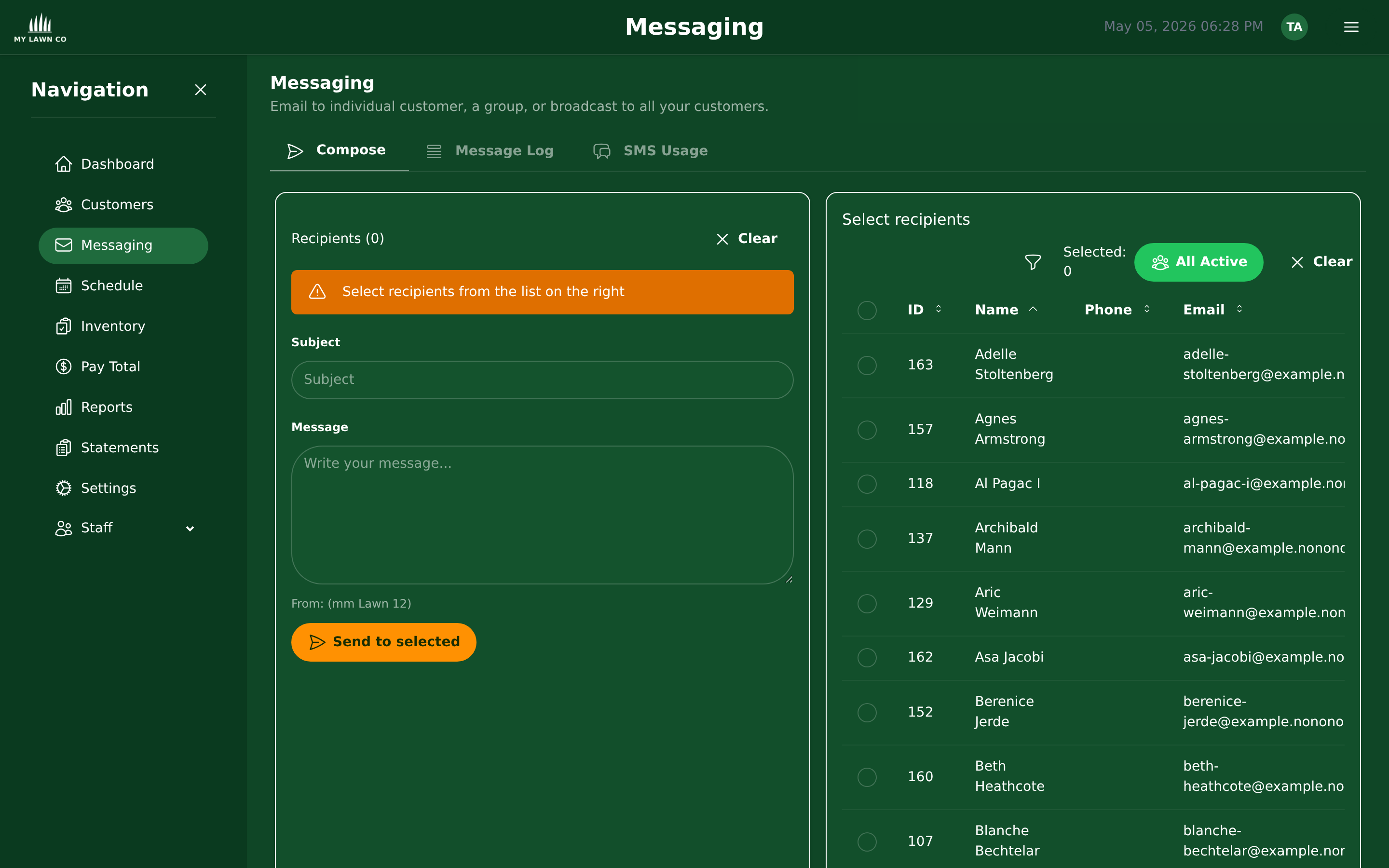
Email composer with the per-visit lawn report template ready to send
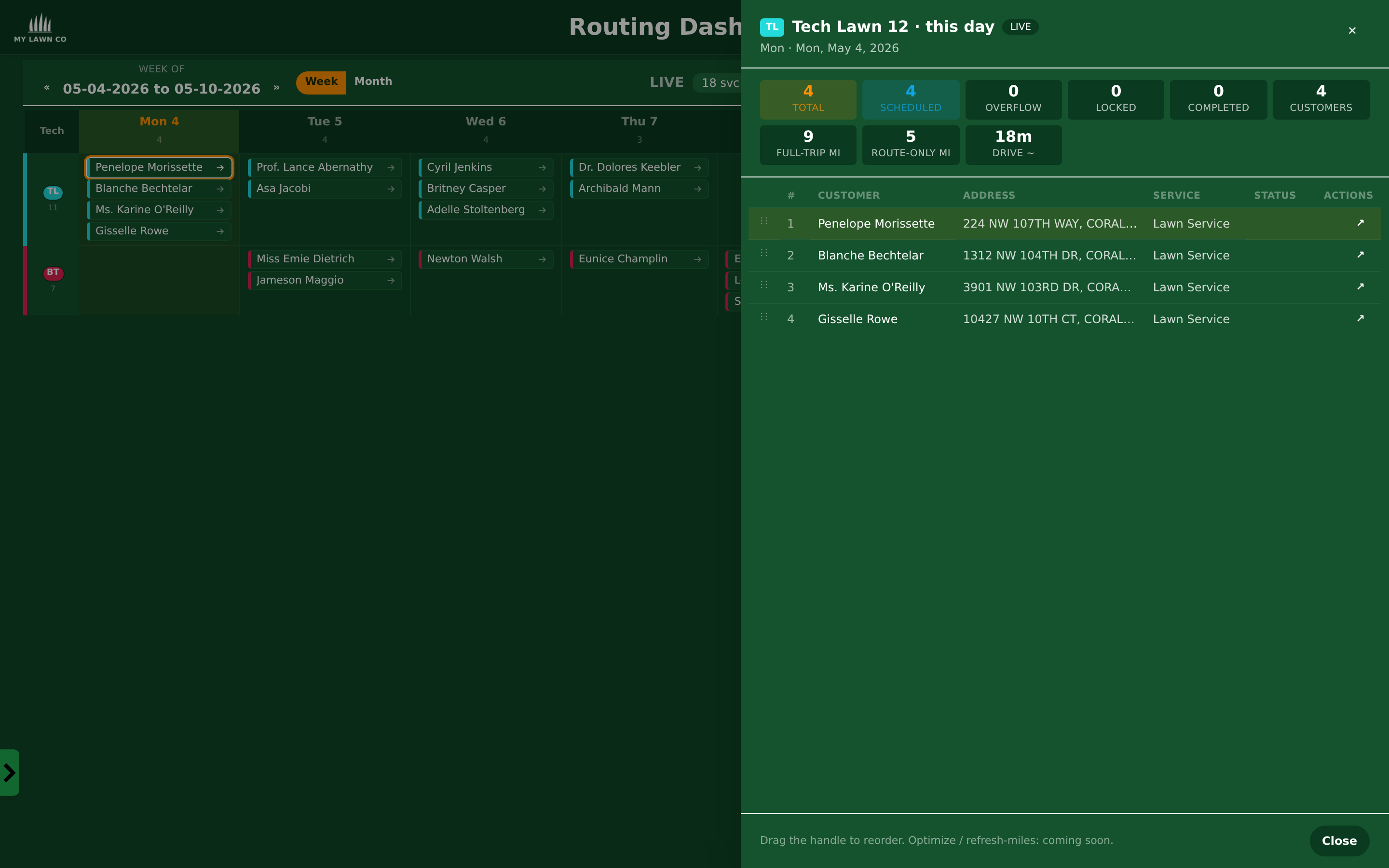
Day drawer showing per-customer service status, completion, and report-sent indicators

Tied to the day's schedule.

Every visit on the calendar carries a status: Scheduled → Completed → Report Sent. The office sees in one glance which jobs went out and which still owe a customer update.

  • One status timeline — schedule, completion, and customer notification in one place
  • Auto-send on completion — flip the toggle and reports go out the moment a stop is closed out
  • Re-send any time — customer says they didn't get it? One click and it goes again

Stop fielding "did you come today?" emails.

Free trial. No setup fee. Free data transfer from your current software.

Start Free Trial